


Seamlessly verify your Customer.io contacts before you send
Automate and verify your Customer.io contacts before you hit send on your campaigns. Never email an invalid address again.
-
1 Add a webhookLog into your Customer.io account and add a webhook to your workflow. This will allow you to send data to Emailable for verification.
-
2 Set up the requestCreate and send a POST request to our email verification API using your Emailable API key and the email you want to verify.
-
3 Set up the responseSet up the response to handle the verification results to update your workflow or trigger actions based on the verification results.
Why integrate Customer.io with Emailable?
Using Emailable’s integration with Customer.io, you can verify emails before sending to protect your sender reputation and reduce bounce rates.
-

Protect sender reputation
Emailing valid addresses only will safeguard your Domain and Sender Reputation.
-

Automate and customize
Map responses as you wish and customize your verification results to match your use case.
-

Prevent bounces
Lower bounce rate and avoid deliverability issues by verifying emails before hitting send.
-

Maximize campaign KPIs
Higher open and click rates, better conversions, and overall better results.
Other ways to verify
Explore other ways you can use email verification in your business and elevate your email deliverability.
-
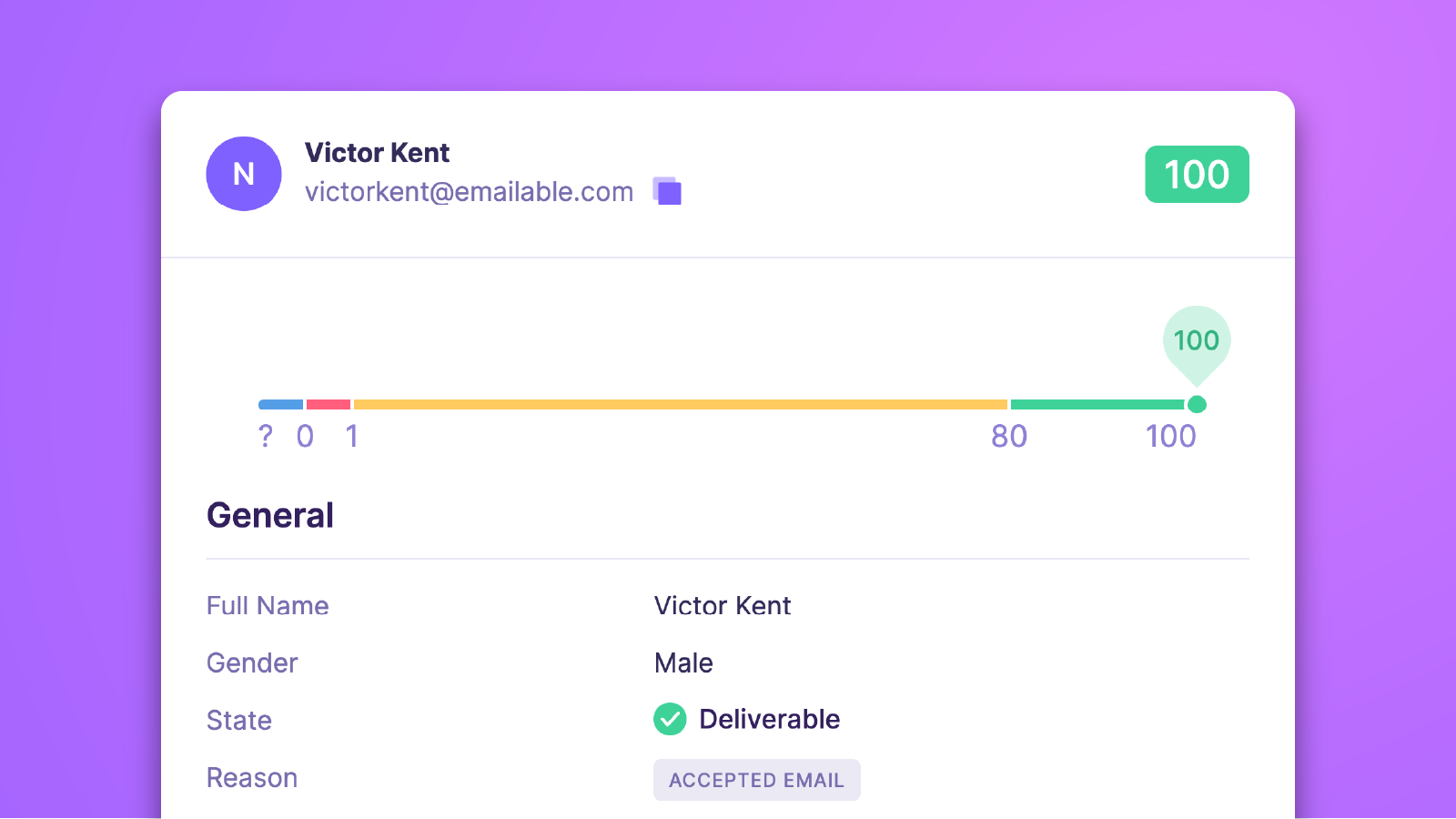
Email Verifier
Need to check the validity of a few emails? Type them into the fastest and most accurate email checker and find out in seconds.
-
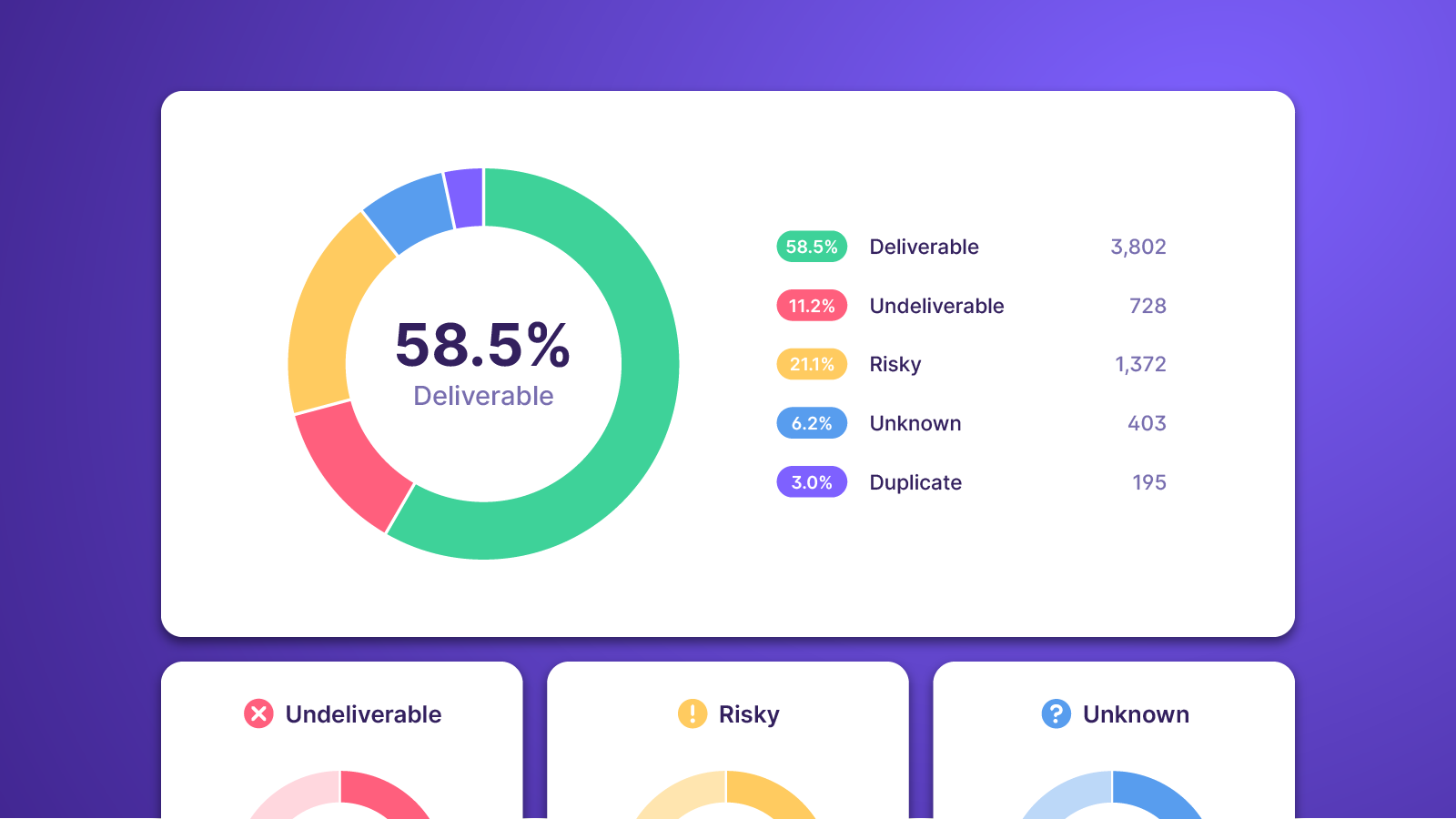
Bulk Email Verifier
Need to verify a list of emails? Upload from your computer, copy and paste, or connect an integration to quickly import and verify entire lists of emails at once.
-
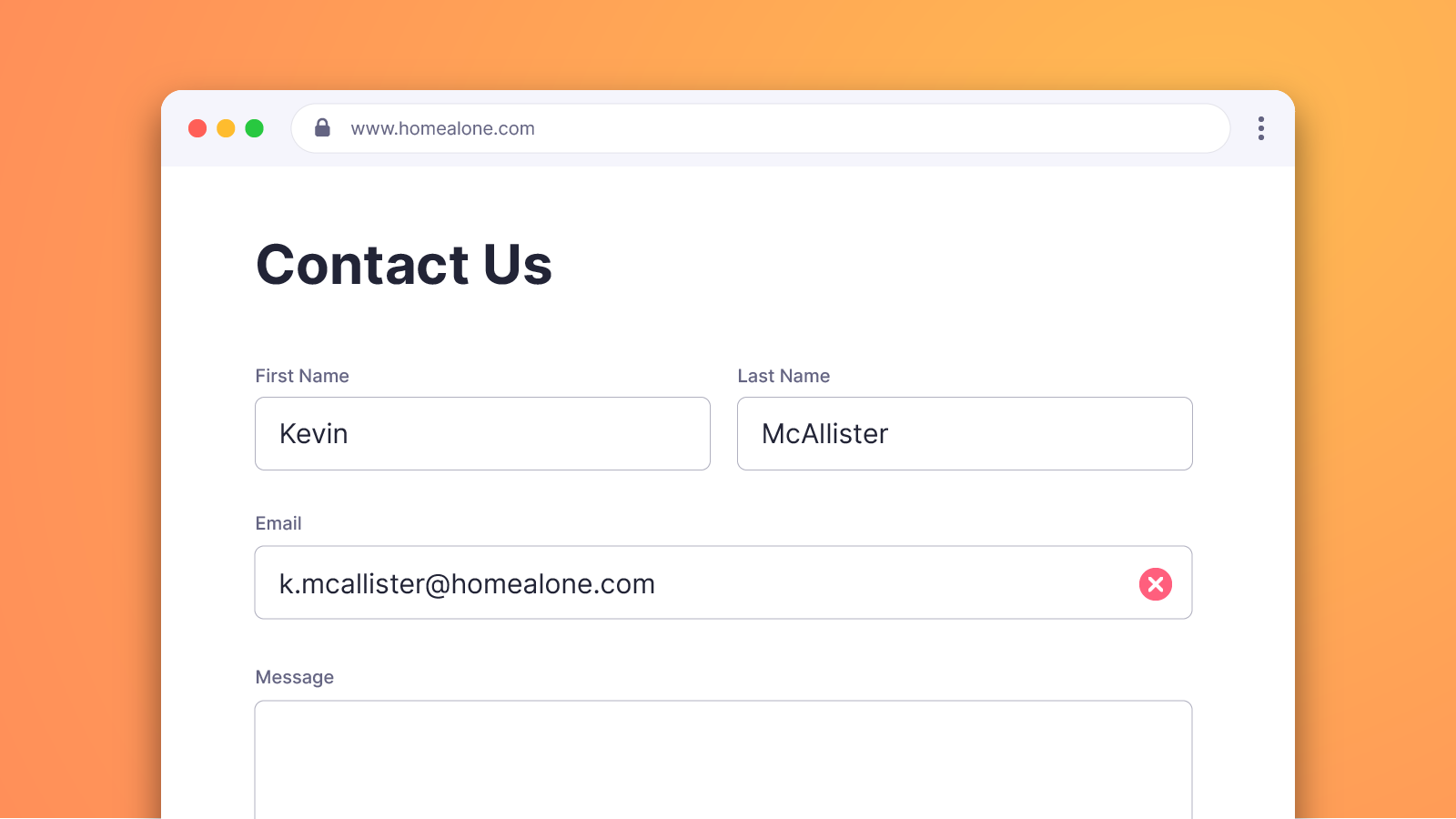
Email Verification Widget
Install our real-time email verification widget in minutes and start filtering bad email addresses at the point of capture.
Frequently Asked Questions
-
To verify your Customer.io lists with Emailable, log in to your Customer.io dashboard and add a webhook to your workflow. This will allow you to send data to Emailable for verification. For more information, visit the Customer.io docs.
-
The integration with Customer.io will automatically unsubscribe contacts that don't meet your criteria to be emailed.
-
No, your contacts won't be automatically verified as they come into Customer.io. Instead, they'll be verified during your campaign workflow. This will prevent any bad emails from being added to your campaign at the moment you're sending emails. If you want to automatically verify emails as they are captured, you can use our Widget or connect Customer.io via Zapier.
-
No. Like all our integrations, there is no additional cost to use the Customer.io integration. It follows the same credit system as our Bulk, Verifier, and API solutions where each email verified will deduct one credit from your account. Visit our Pricing page for more information.
-
Since Customer.io is an external integration that uses our API to verify emails, the integration can be removed via the Customer.io dashboard or by deleting the API key in the Emailable dashboard.

Need help getting started?
Check out our documentation for step-by-step instructions on how to verify your Customer.io emails with Emailable.

Need to automate?
Connect Customer.io to Emailable via Make or Zapier and create an automation to automatically verify emails as they enter your lists.

About Customer.io
Customer.io is a customer engagement platform that creates personalized journeys across email, push, in-app, and SMS using real-time data.