

Ensure your documents reach the right people
Verify email addresses in real time to prevent errors, reduce bouncebacks, and streamline your agreement workflow.

Why integrate Docusign with Emailable?
Using Emailable’s integration with Docusign, you can verify email addresses in real time to ensure documents reach the right people, on the first try.
-

Prevent delivery issues
Reduce misdirected documents, bouncebacks, and delays, ensuring your documents get to their recipient.
-

Catch errors
Catch typos, detect invalid addresses, and ensure deliverability before sending.
-

Highest accuracy guaranteed
When you verify with Emailable, you're protected by our 99% Deliverability Guarantee.
-

Seamless integration
Ensure signers enter the correct email by instantly verifying emails as they're typed, all within Docusign.
Other ways to verify
Explore other ways you can use email verification in your business and elevate your email deliverability.
-
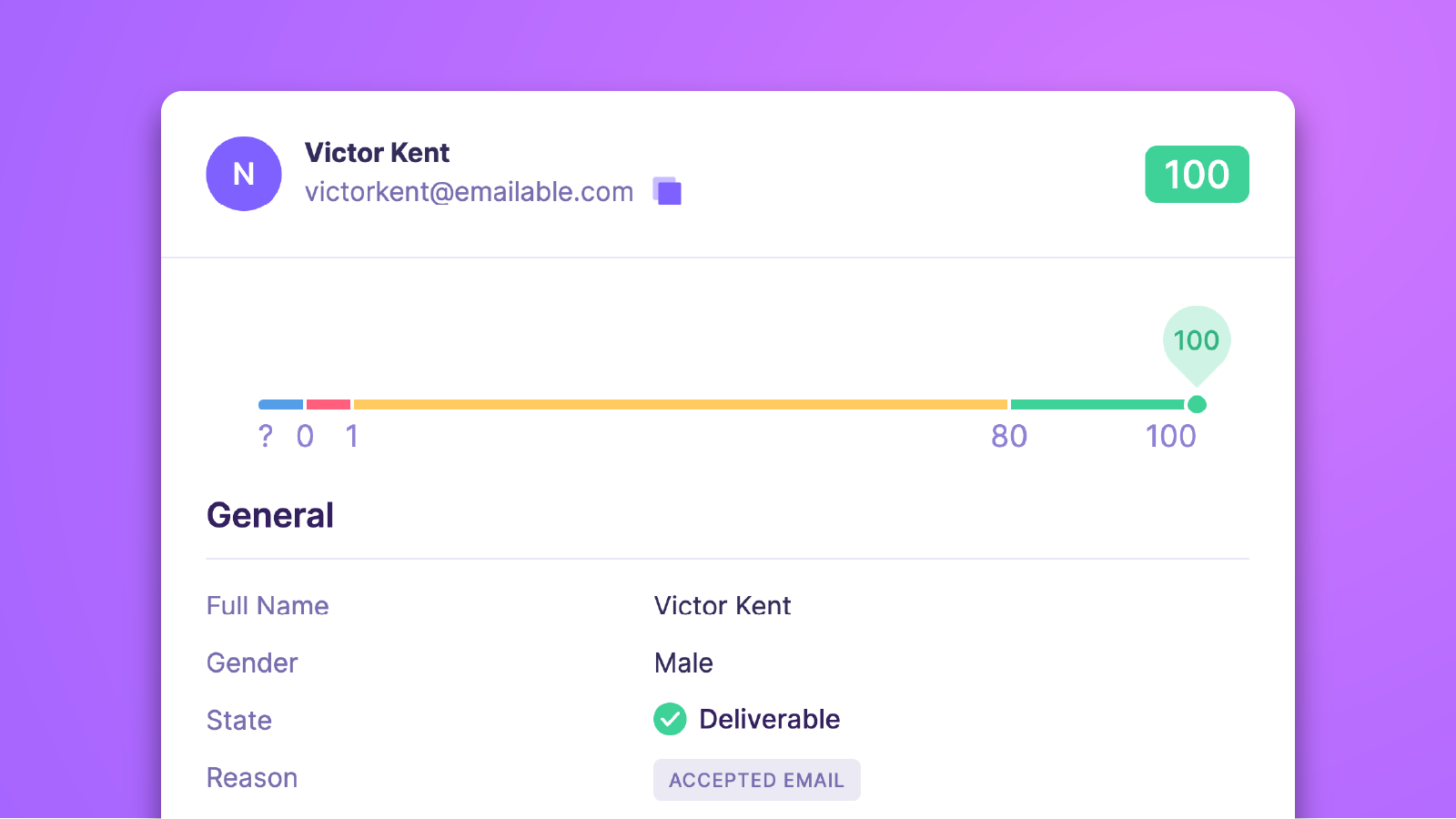
Email Verifier
Need to check the validity of a few emails? Type them into the fastest and most accurate email checker and find out in seconds.
-
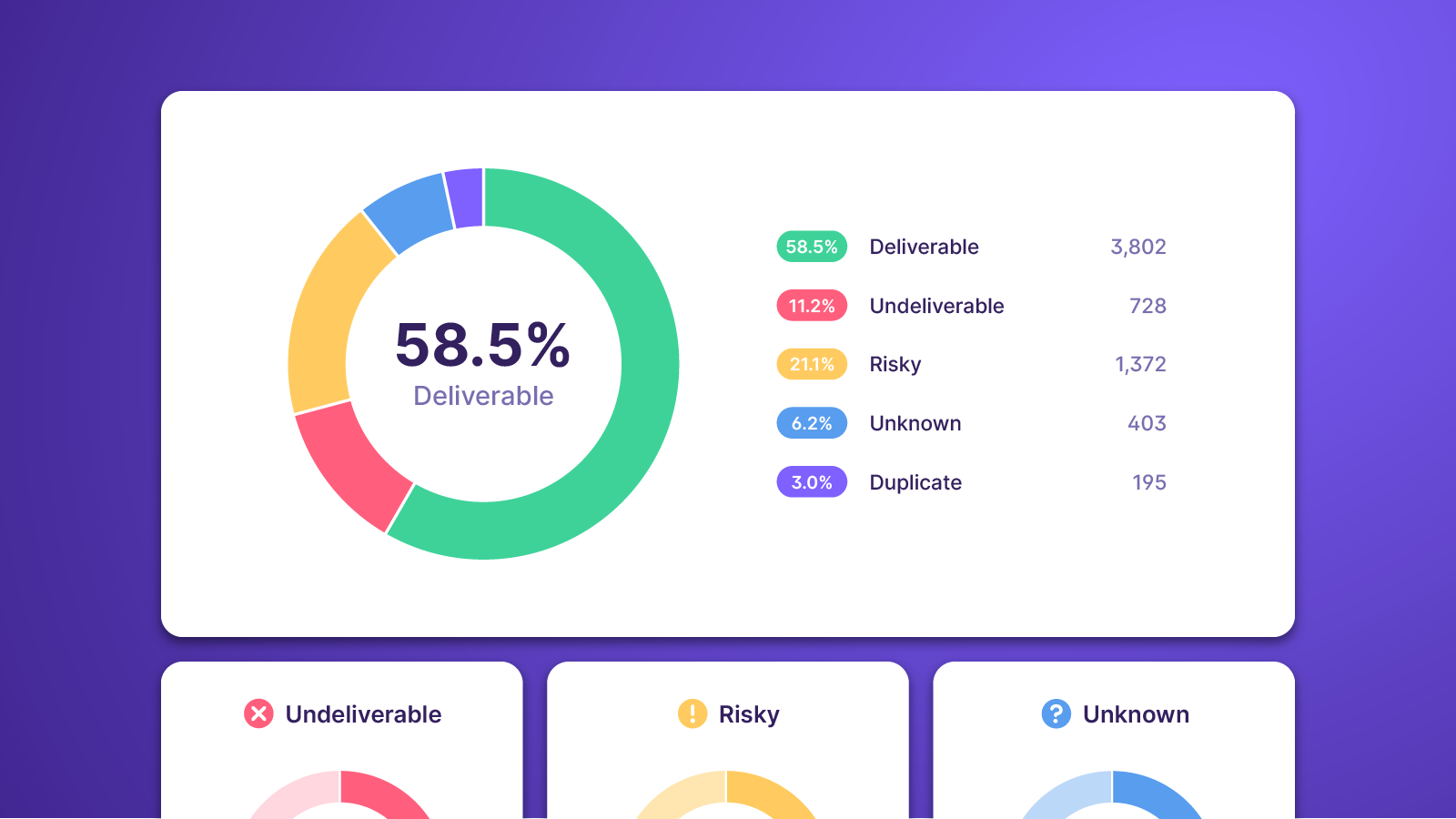
Bulk Email Verifier
Need to verify a list of emails? Upload from your computer, copy and paste, or connect an integration to quickly import and verify entire lists of emails at once.
-
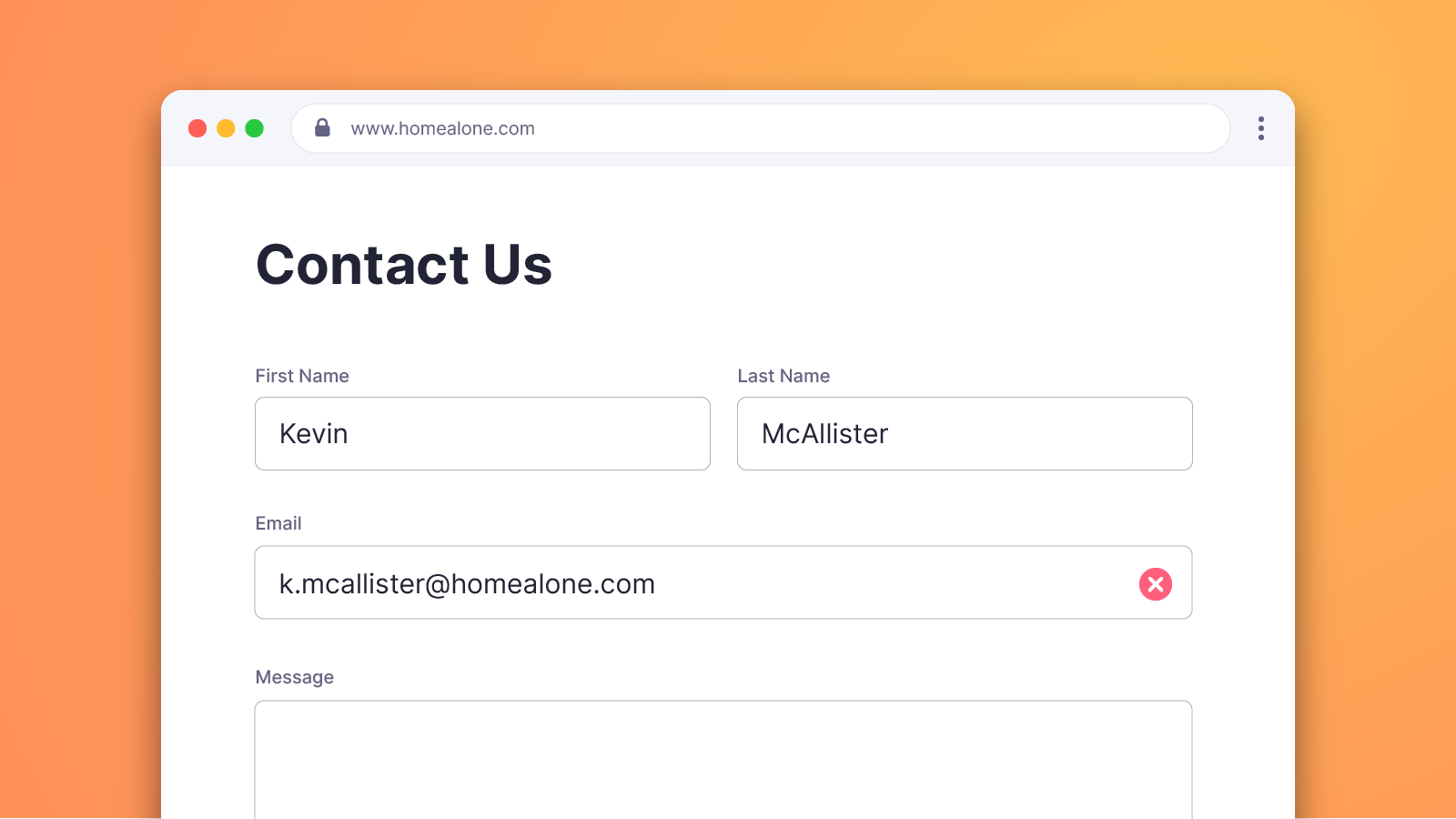
Email Verification Widget
Install our real-time email verification widget in minutes and start filtering bad email addresses at the point of capture.
Frequently Asked Questions
-
How does the verification process work with Docusign?
To verify emails in Docusign, start by installing and connecting the Emailable app in Docusign. During document creation, you can add an email field and select Emailable as an Extension App. When the signer enters their email in this field, Docusign will show an error if the email is invalid. For more information, visit the Docusign docs.
-
How do I ensure the email is valid once I receive the signed document?
When creating the custom email field, there is an option labeled Must verify to sign that will prevent the signer from submitting the document unless the email is valid.
-
Does the Docusign integration have an additional cost?
No. Like all our integrations, there is no additional cost to use the Docusign integration. It follows the same credit system as our Bulk, Verifier, and API solutions where each email verified will deduct one credit from your account. Visit our Pricing page for more information.
-
How do I remove the Docusign integration?
You can remove the Docusign integration at any time by navigating to the Authorized Apps page of your account settings in the Emailable dashboard. From there, locate Docusign, click the three vertical dots ⋮ on the right and then click Remove in the dropdown menu.

Need help getting started?
Check out our documentation for step-by-step instructions on how to verify your Docusign emails with Emailable.

About Docusign
Docusign is a trusted digital signature solution that streamlines secure document signing and management.