
Clean your Intercom emails in minutes
Easily import your email lists from Intercom for bulk email verification, then export them back as clean, deliverable lists, all directly from the Emailable dashboard.
-
Log into Emailable and allow access to your Intercom account.
Select the data you would like to verify from your existing Intercom lists.
Send your clean data back to Intercom, or download it directly.


Allow Intercom to access your account
You are granting the Intercom app full API access to your Emailable account. Please make sure you recognize this app before proceeding.
Select data
-
Monthly Newsletter Subscribers 125 emails
-
VIP Insider List 58 emails
-
New Customer Welcome Series 482 emails
-
Abandoned Cart Follow-ups 312 emails
-
Event Attendees — Spring Summit 2025 429 emails
-
Website Contact Form Leads 164 emails
-
Loyalty Program Members 29 emails
-
Customer Re-Engagement Campaign 332 emails
-
Seasonal Promotions — Q4 188 emails
-
Holiday Promo Campaign — US Only 671 emails
-
Product Update Announcements 224 emails
-
B2B Outreach — SaaS Prospects 102 emails
Export
Choose how to export
Select the emails to include
This export will contain 182 emails.
This export will contain 271 emails.
Verify emails straight from your Intercom inbox
Receive detailed information on an email's deliverability on the fly without ever having to leave the Intercom dashboard.

Why integrate Intercom with Emailable?
Using Emailable's integration with Intercom you can verify emails in your existing lists, ensuring you only send messages to real, engaged subscribers.
-

Protect your sender reputation
Remove invalid emails from your list, and protect your domain and sender reputation.
-

Out of the box solution
Export a clean list in minutes with just a few clicks. No code required.
-

Highest accuracy guaranteed
When you verify with Emailable, you're protected by our 99% Deliverability Guarantee.
-

Prevent list decay
Connecting to Emailable helps you to easily prevent list decay and maximize ROI.
Other ways to verify
Explore other ways you can use email verification in your business and elevate your email deliverability.
-
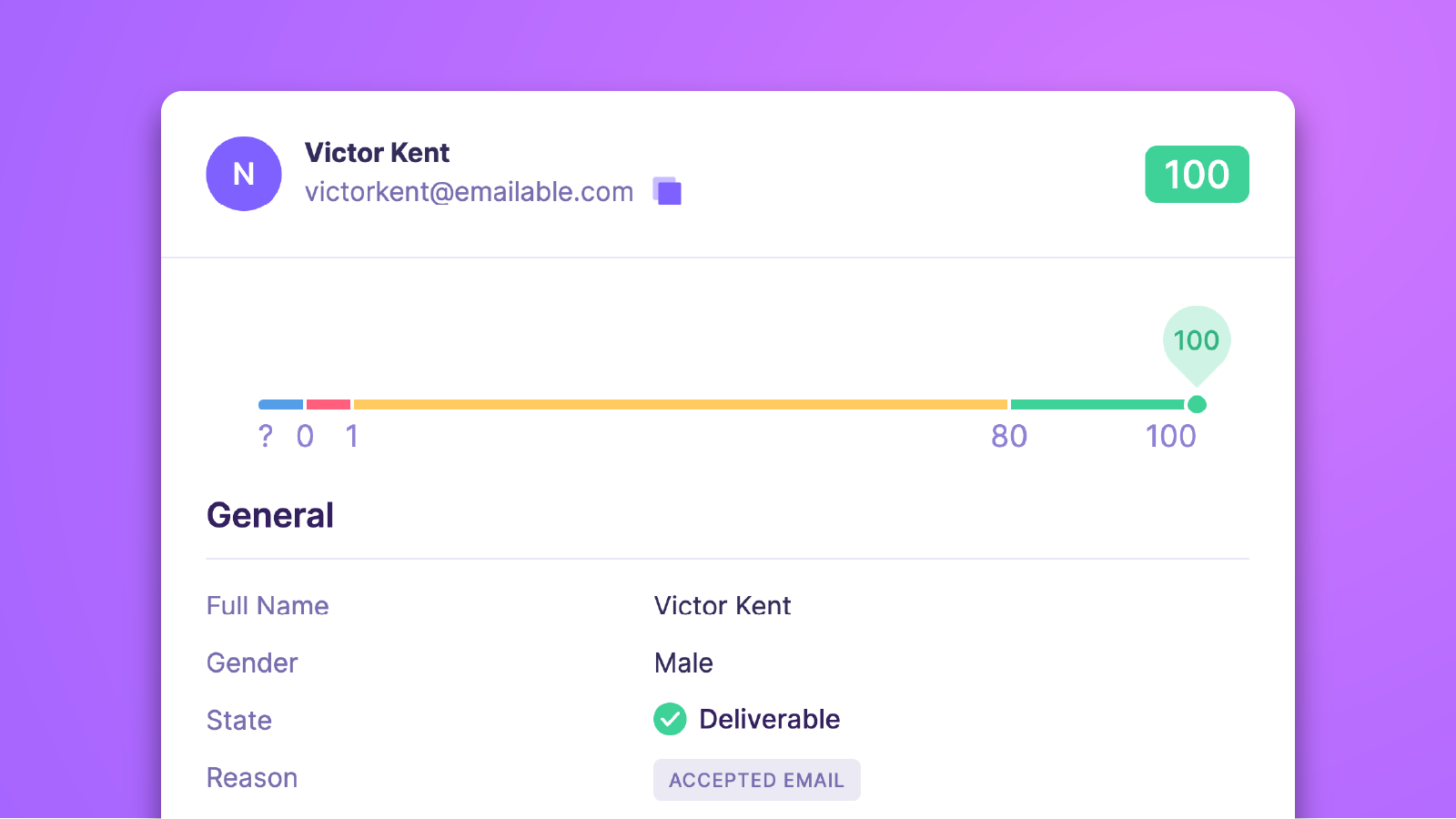
Email Verifier
Need to check the validity of a few emails? Type them into the fastest and most accurate email checker and find out in seconds.
-
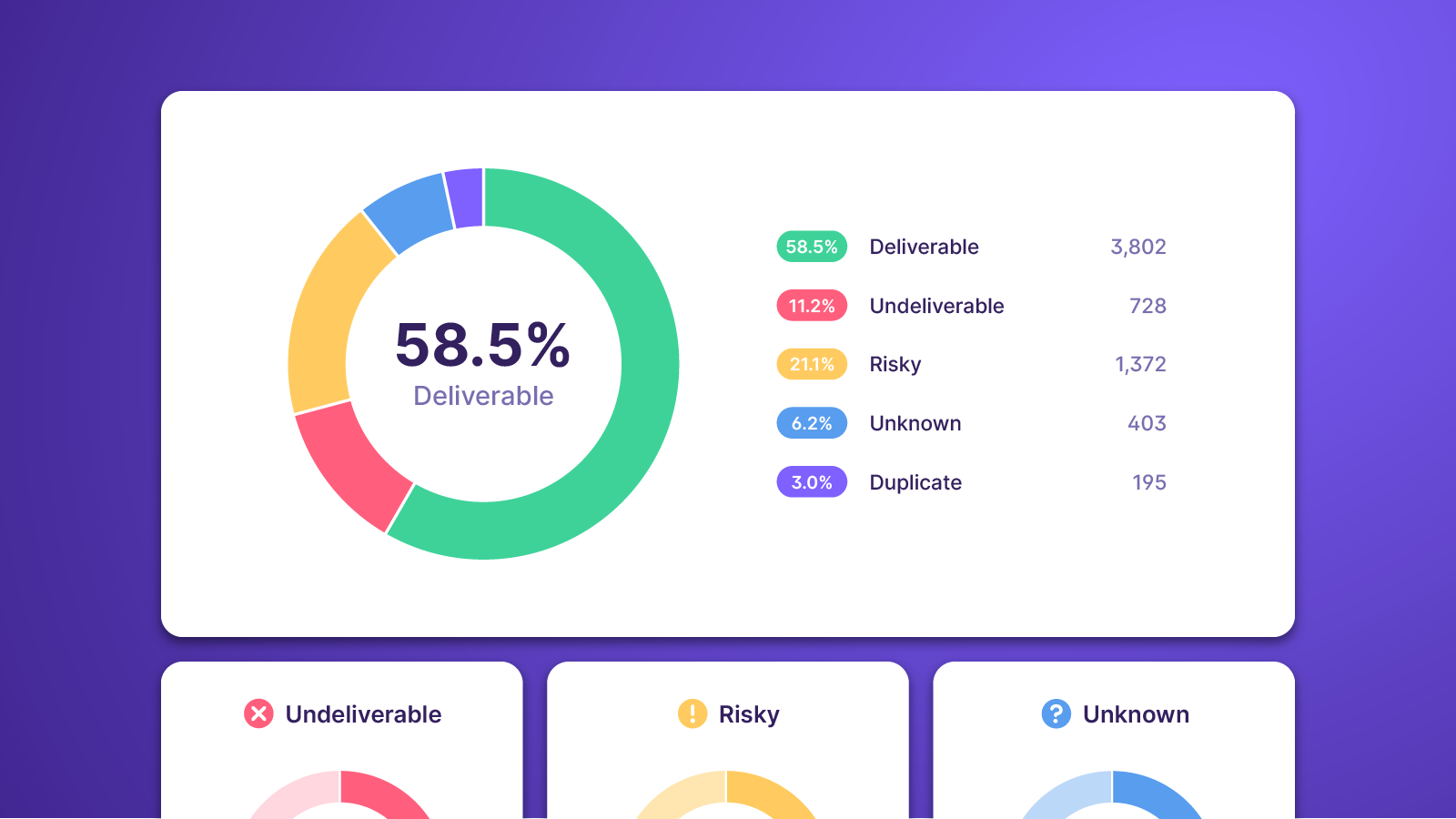
Bulk Email Verifier
Need to verify a list of emails? Upload from your computer, copy and paste, or connect an integration to quickly import and verify entire lists of emails at once.
-
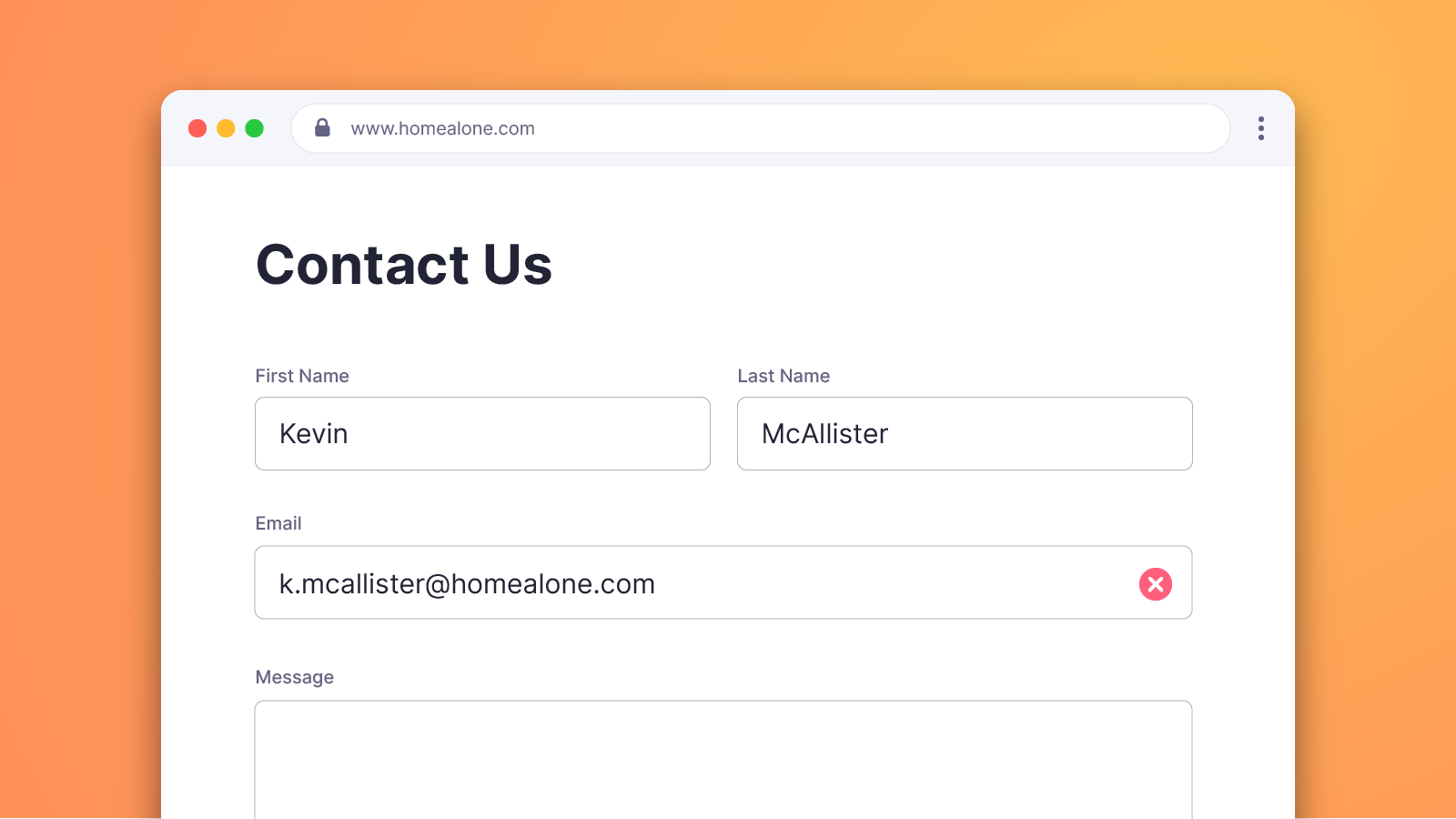
Email Verification Widget
Install our real-time email verification widget in minutes and start filtering bad email addresses at the point of capture.
Frequently Asked Questions
-
How does the verification process work with Intercom?
To verify your Intercom lists with Emailable, start by connecting Intercom to Emailable by signing into your Intercom account. Once connected, select the lists you want to import and verify. After the verification process is complete, you can export the results back to Intercom or download as a CSV. For more information, visit the Intercom docs.
-
How do I remove unwanted emails after verification?
When exporting your lists back to Intercom, you can choose to exclude invalid emails and return only the emails you want to keep, ensuring that you are only sending to real, engaged subscribers.
-
Will my emails be automatically verified when captured?
No, you will need to manually verify your lists by going to the Emailable dashboard and selecting the lists you want to verify on the Bulk Email Verifier page. Once verified, you can export the results back to Intercom. If you want to automatically verify emails as they are captured, you can use our Email Verification Widget or connect Intercom via Zapier.
-
Does the Intercom integration have an additional cost?
No. Like all our integrations, there is no additional cost to use the Intercom integration. It follows the same credit system as our Bulk, Verifier, and API solutions where each email verified will deduct one credit from your account. Visit our Pricing page for more information.
-
How do I remove the Intercom integration?
You can remove the Intercom integration at any time by navigating to the Integrations page in the Emailable dashboard, accessed from the profile dropdown menu in the top right. From there, locate Intercom, click the three vertical dots ⋮ on the right and then click Remove in the dropdown menu.

Need help getting started?
Check out our documentation for step-by-step instructions on how to verify your Intercom emails with Emailable.

Need to automate?
Connect Intercom to Emailable via Make or Zapier and create an automation to automatically verify emails as they enter your lists.
About Intercom
Intercom is a platform for customer communication through targeted content, behavior-driven messages, and support.